Use this to create a brand new app extension.
Start on this site, where we have all the extensions: https://app-dev.2sxc.org/app-extensions/en-us/
Folder: D:\2sxc Apps Dev\Web\Portals\app-extensions\2sxc
Portal Work
- Create a page for the extension
- Create a brand new, empty app - naming convention for folder similar to previous, ca.
app-extension-name
- After creation, adjust name in app settings - like from
app-extension-vcard to App Ext vCard
Add to Catalog
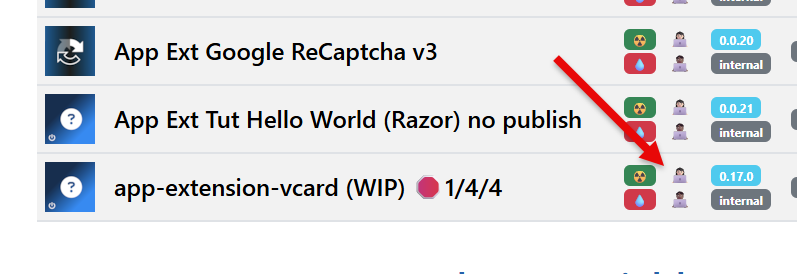
- Add to catalog on the app-dev home (maybe copy an existing extension, adjust everything)
- Name
- App-Id
- etc.
- Verify the link to open it works and opens the correct folder (this is only the case, if you set the correct AppId)
Repository
- Use the link from above to open in VS-Code
- Create git repo in the org https://github.com/2sxc-apps with the same name
- init the repo, push according to GitHub instructions
Finish Setup
- In the folder, create the
extensions folder and then the necessary subfolder like vcard (all lower case)
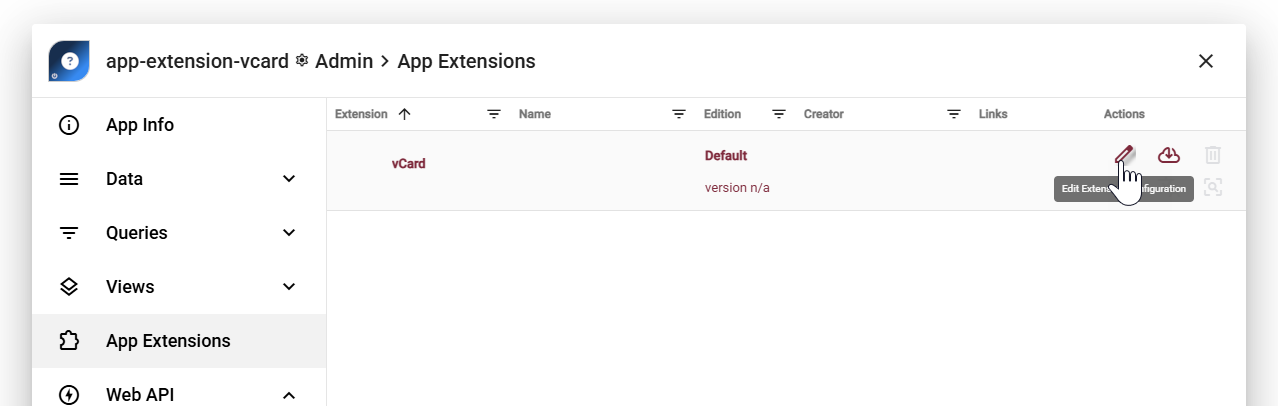
- go to the UI and create the extension-configuration
Start development
- Create the extension in the App
- Test it
- add icon / description etc.
- publish