Introduction
An Apps configuration and data is stored in the SQL DB. But for versioning purposes it the entire state including configuration and data be exported to .data/app.xml using this checklist.
Later on you may want to reset the stored data to how it was at that time, using these steps.
Important: Resetting an App-State also loses content/data that was added after the app.xml was created last. If you're unsure as to what this means, best try it on a test environment first.
Steps
- Open the App administration - Settings
- The run Restore State
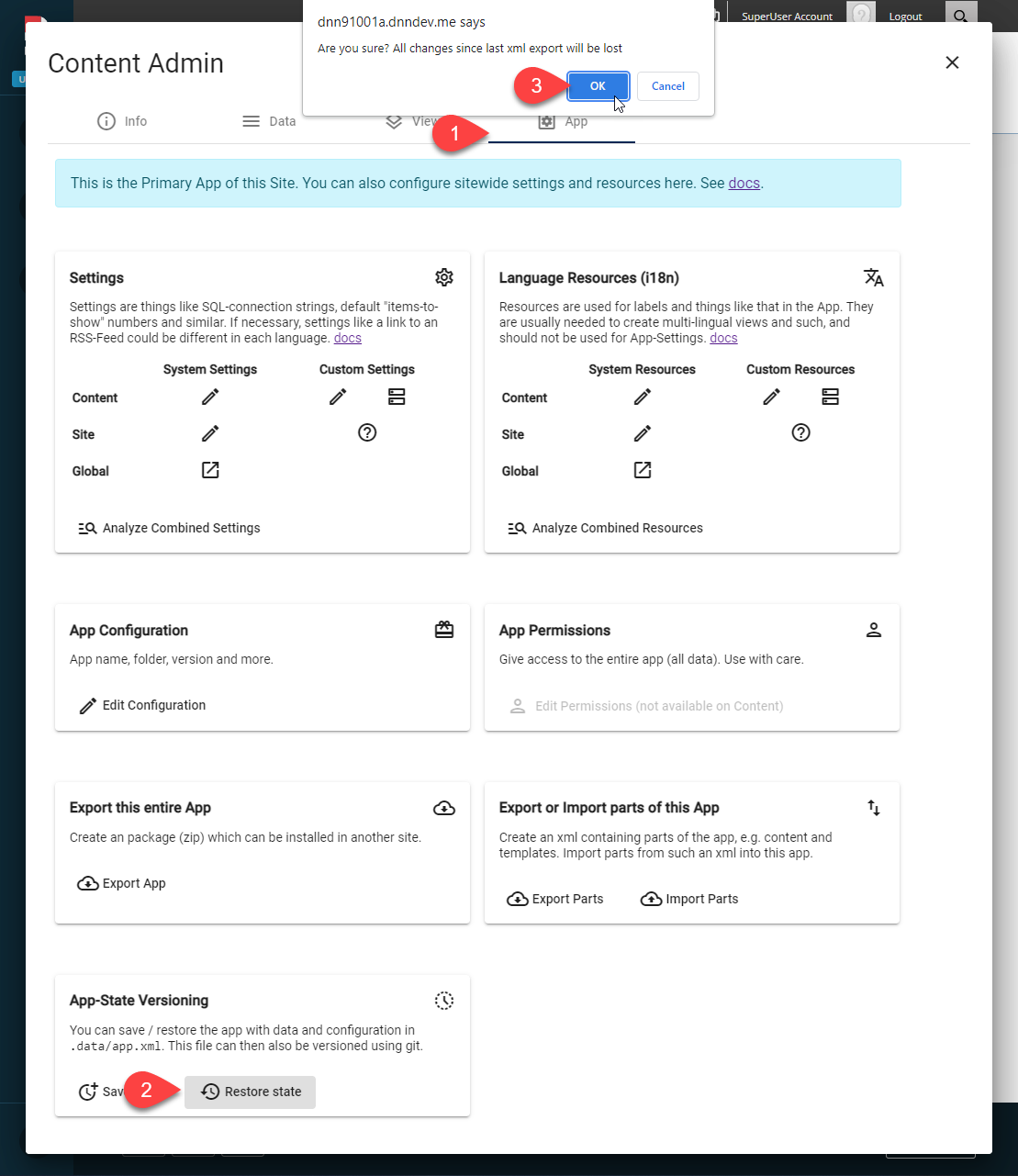
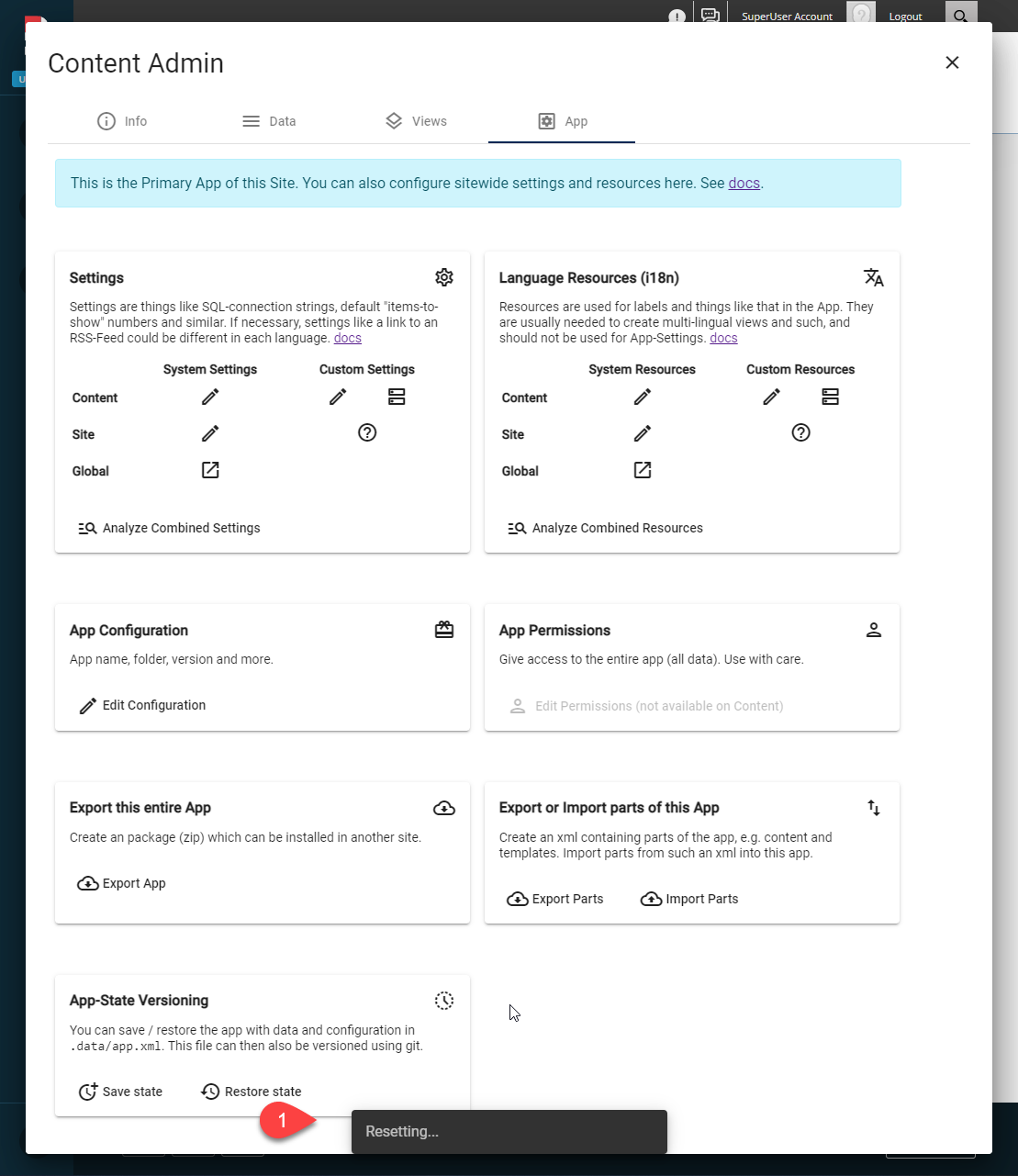
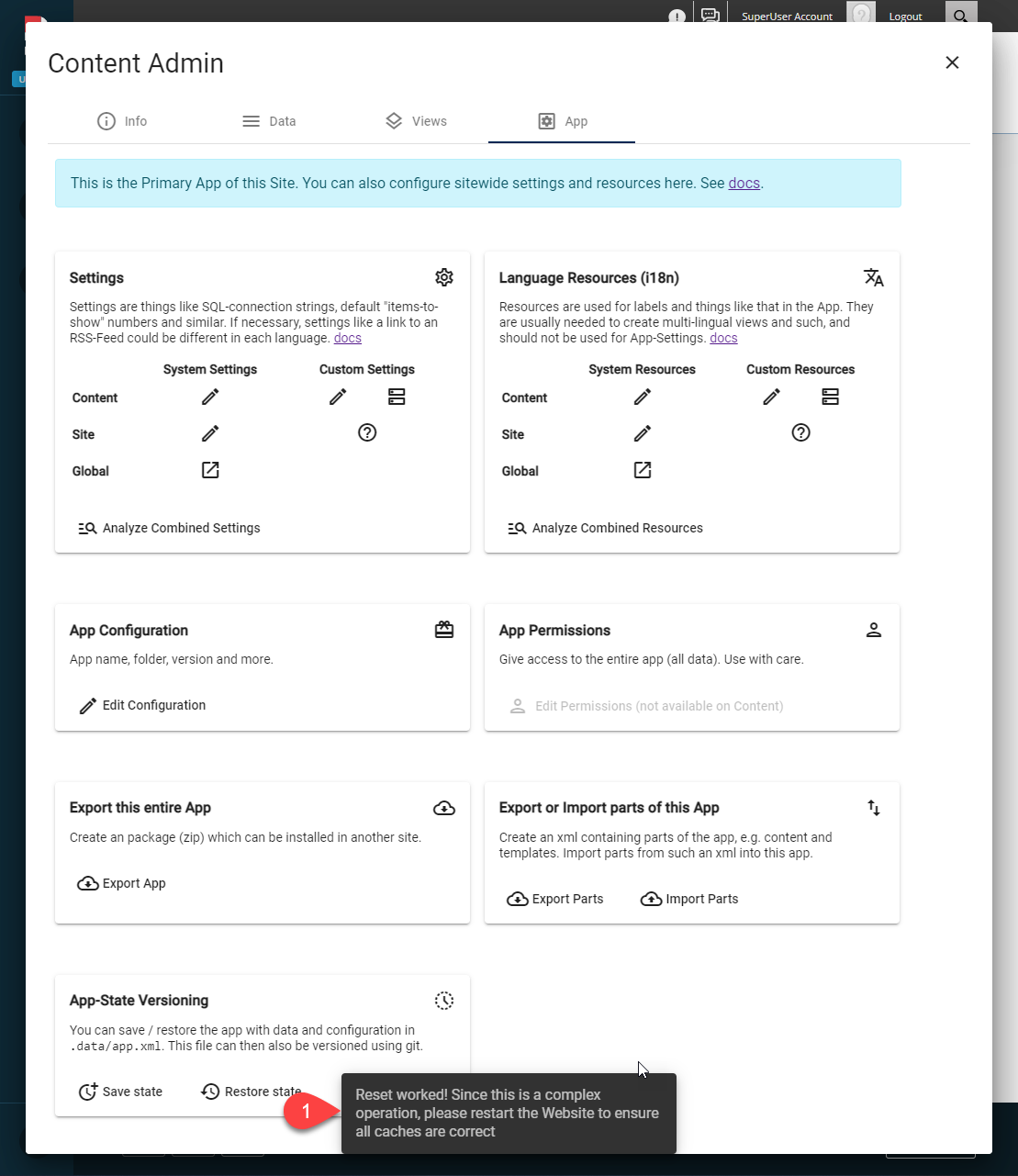
- Just to cover edge cases, make sure you restart Dnn/Oqtane after this
Important: The app-state also contains configurations which modules show what data. So after a reset some modules may show an error if those module-configurations were not stored in the previous app.xml.