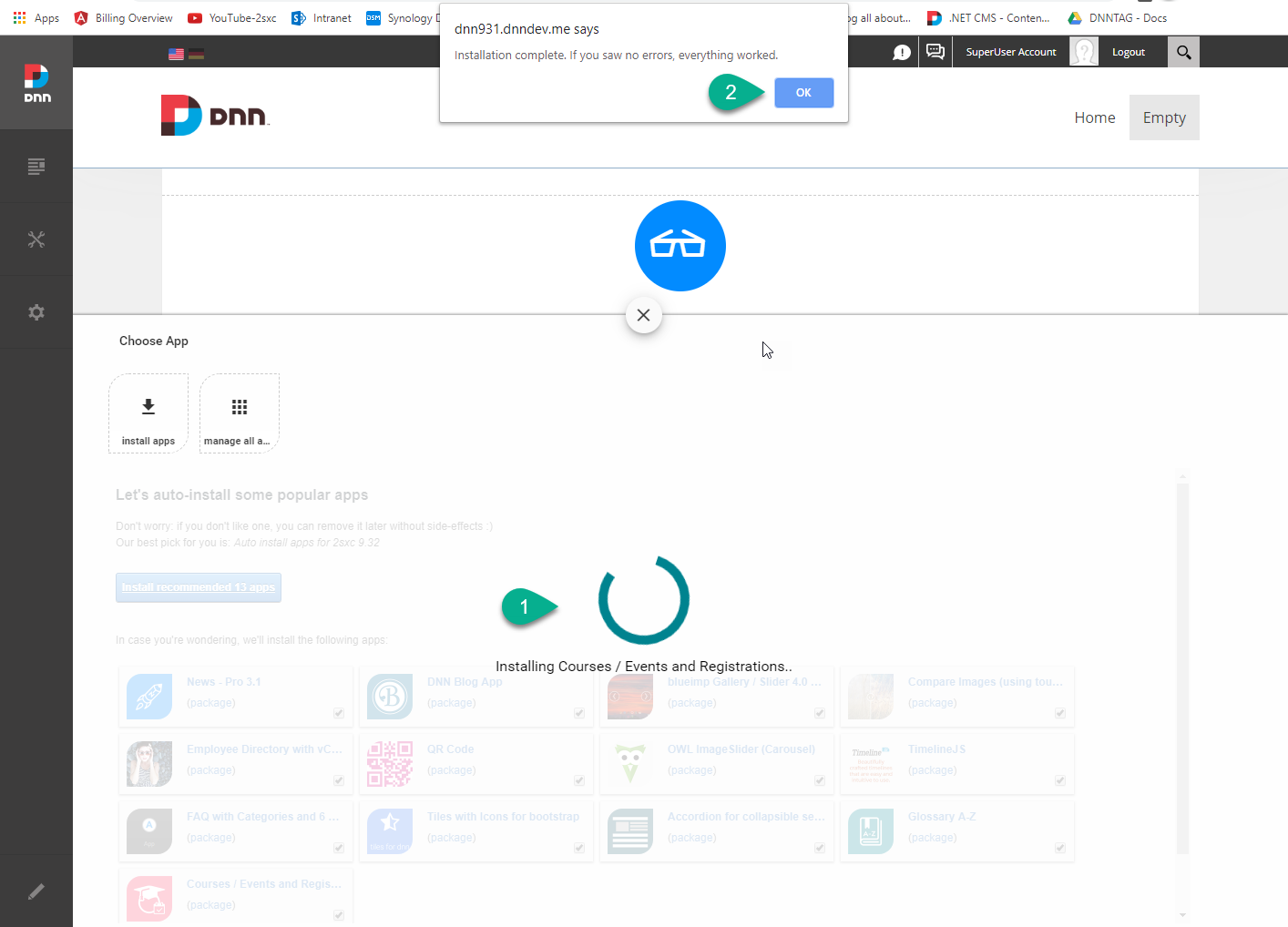
You can choose and install various apps from 3rd parties or from the app catalog. By default, 2sxc will offer you some initial, popular apps to get started with. Here are the instructions for installing the default app package.
Alternative: if you want to install a specific app manually, follow these instructions.
Install Some or All Default Apps
- Make sure you have all the pre-requisites
- Add an App-Module to the page
- If you have not installed any apps yet, you will now see the installer. Otherwise the auto-installer won't appear any more, and you can just add more apps manually.
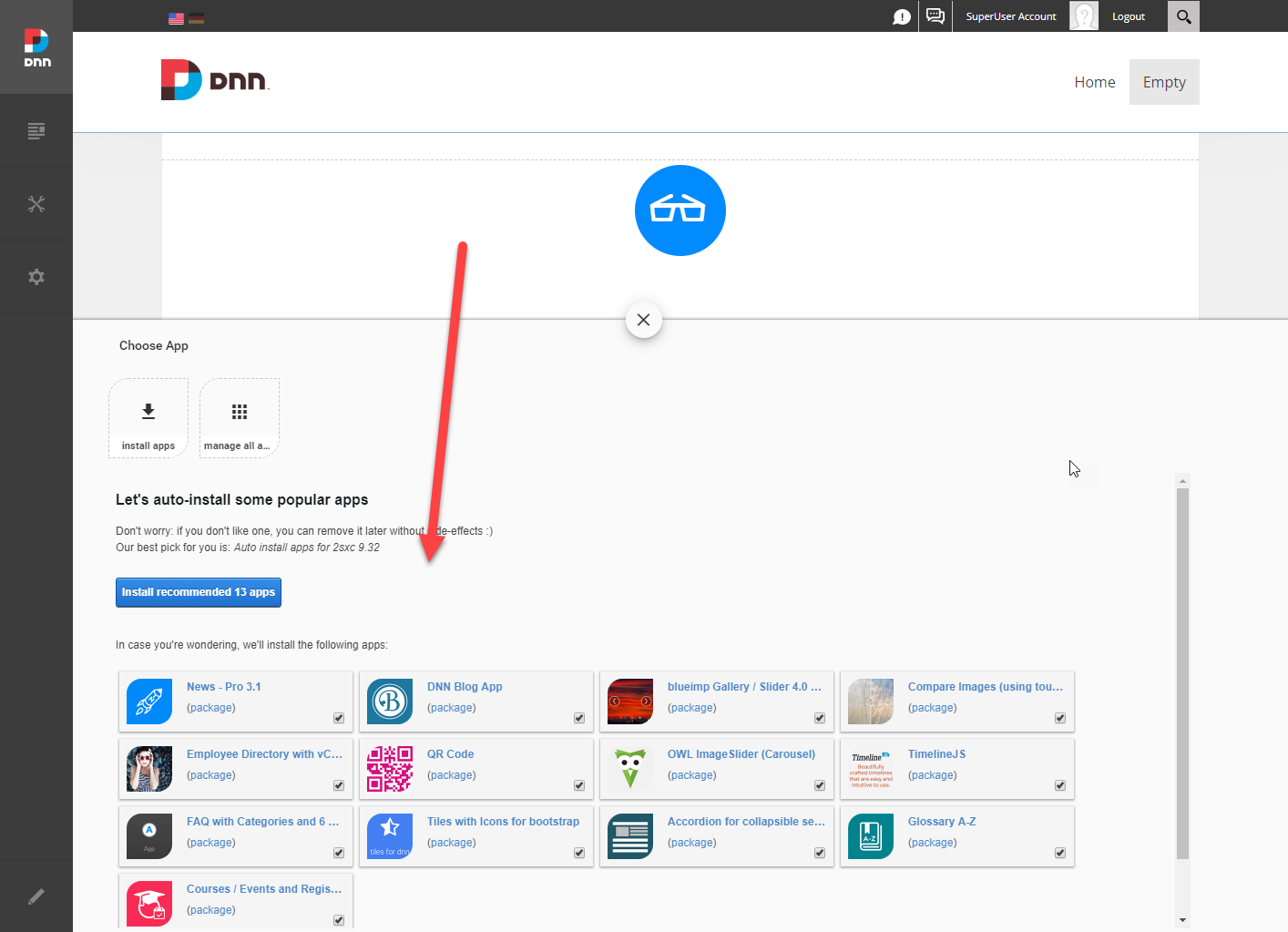
- To only install some apps, un-check the ones you don't want
- Run installation like in these screenshots